
Getting Started
DashPay Onboarding
Go live with DashPay in 4 simple steps
No paperwork chaos. Just sign up, verify and start collecting payments.
Step 1
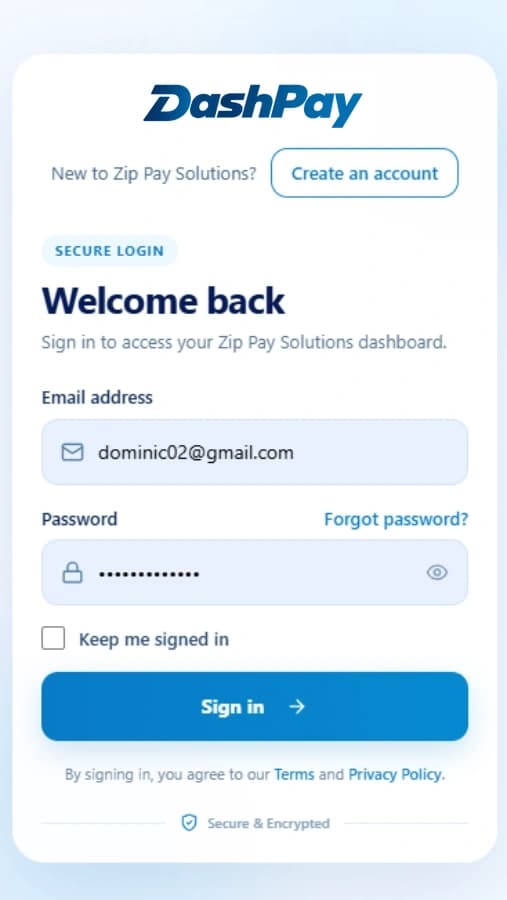
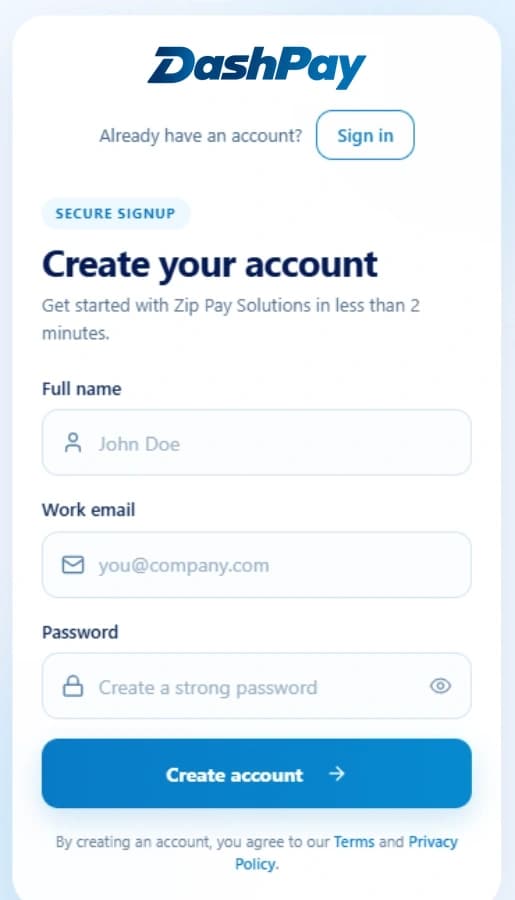
Create your DashPay account
Sign up with your business email and verify your mobile number to access the DashPay merchant dashboard.
Step 2
Complete KYC verification
Submit your business PAN, GST details and bank proof. Most DashPay accounts get verified within 24 hours.
Step 3
Add your bank & test payments
Link your settlement account and run sandbox test payments before going live with DashPay checkout.
Step 4
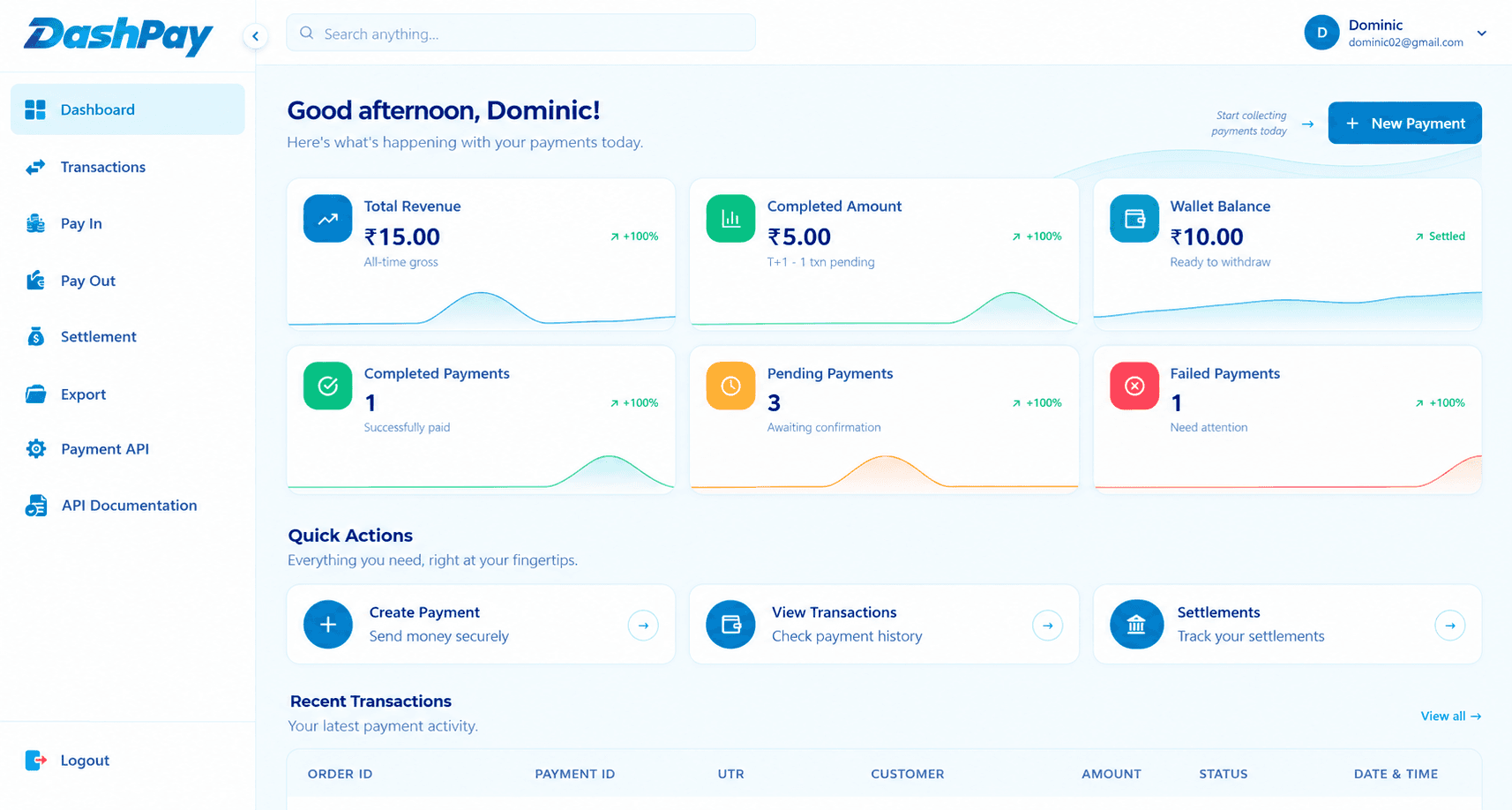
Go live & accept payments
Activate live mode, share Payment Links or integrate checkout and start receiving real payments.
Ready to Get Started?It’s Easy & Free!
Create your account, complete KYC, add your bank and start accepting payments in just a few steps.
Fast Setup
In just a few minutes
Secure & Safe
Bank-grade security
24/7 Support
We're here to help
Web + App
Manage anywhere
Payment Successful
Payment processed securely